This help step is for the 'Paid Account' see the steps below.
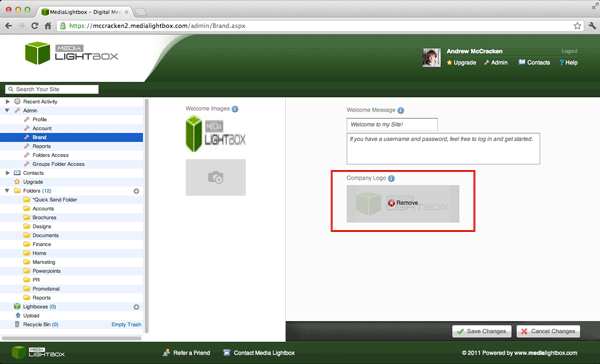
You can add/change your company logo at any time by following the steps outlined below:
- Select the arrow on the 'admin' drop down tab on the left of any screen
- Select the 'Brand' option on the drop down menu
- Below the 'Company logo' you will see a grey rectangle with a camera icon, click on the grey rectangle.
- A pop up screen will appear with an overview of the files on your computer
- Select the file you want to upload and click 'Open'
- If you are happy with the uploaded image click 'Save Changes'
- Your company logo should now have appeared in the top left of the screen
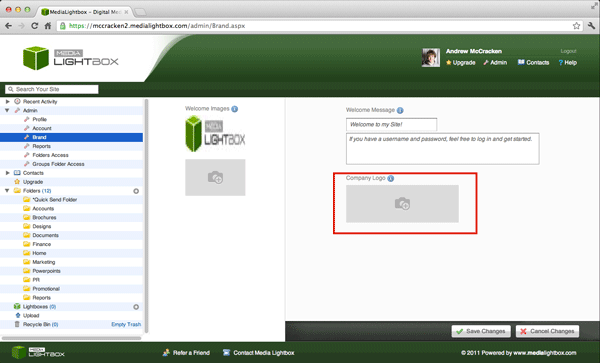
You can remove your company logo at any time by following the steps outlined below:
- Select the arrow on the 'admin' drop down tab on the left of any screen
- Select the 'Brand' option on the drop down menu
- Below the 'Company logo' you will see a grey rectangle with a camera icon.
- Hover over the rectangle and you will see the option 'Remove' Click on the Rectangle
- If you are happy with the uploaded image click 'Save Changes'
- Your company logo should now have been removed from the top left of the screen