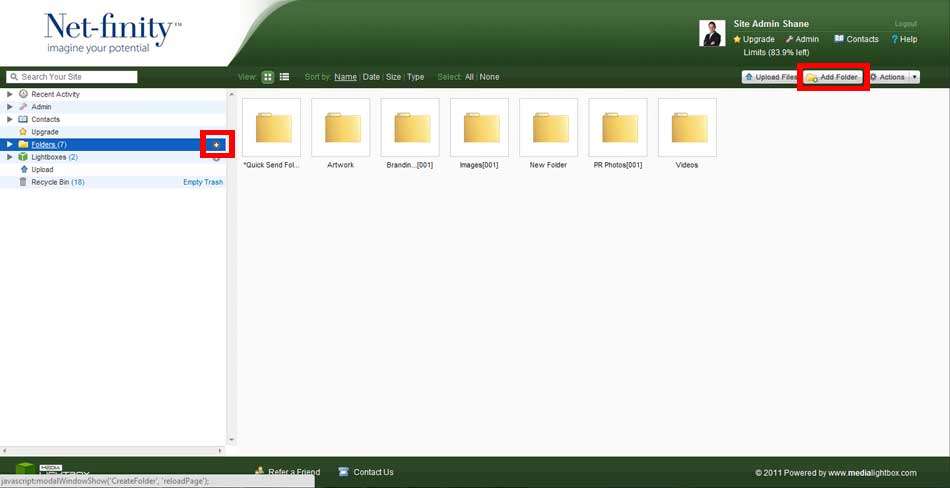
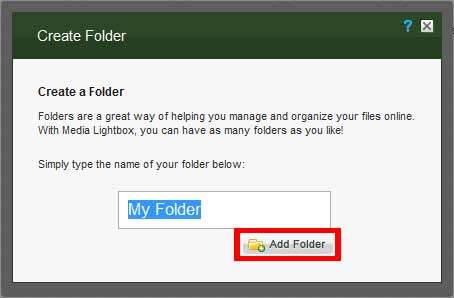
To create a new folder select the Folders tab on the navigation bar and select the Add Folder option. A new file will be created and displayed at the beginning of your folder list, with a default folder name. You will then be allowed to name the folder with a new name if you want.
You can also create sub level folders, by selecting the Add Folder option once you have opened an existing folder.