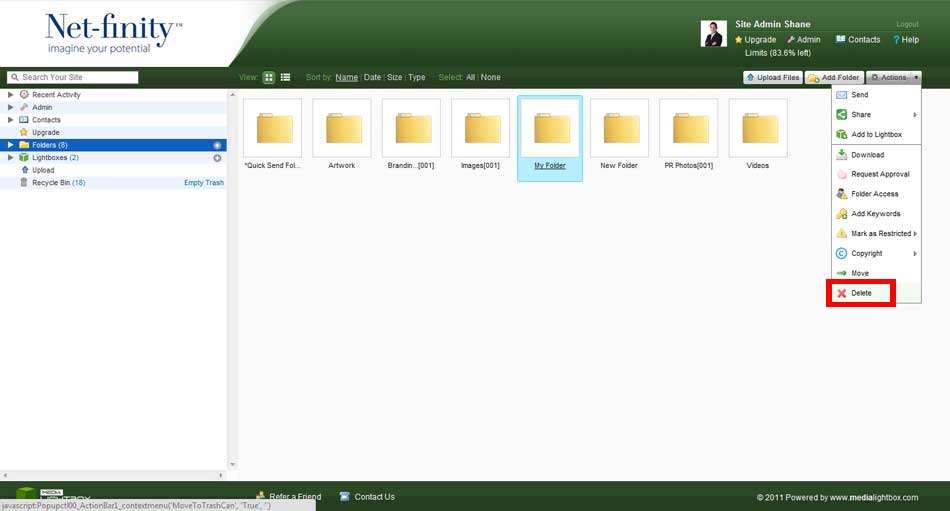
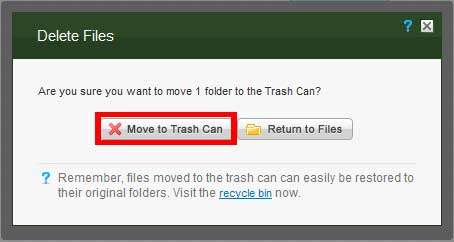
To delete a folder or sub-folders, simply highlight the required folder and select the 'Delete' option from the drop-down action menu. A dialog window will appear asking you if you are sure you want to delete your selected folder and its contents.
Please note: If you delete a folder and its contents, they are not deleted from your site. The folders and files are moved to the Recycle Bin, therefore it will enable you to restore your folder and files if necessary.