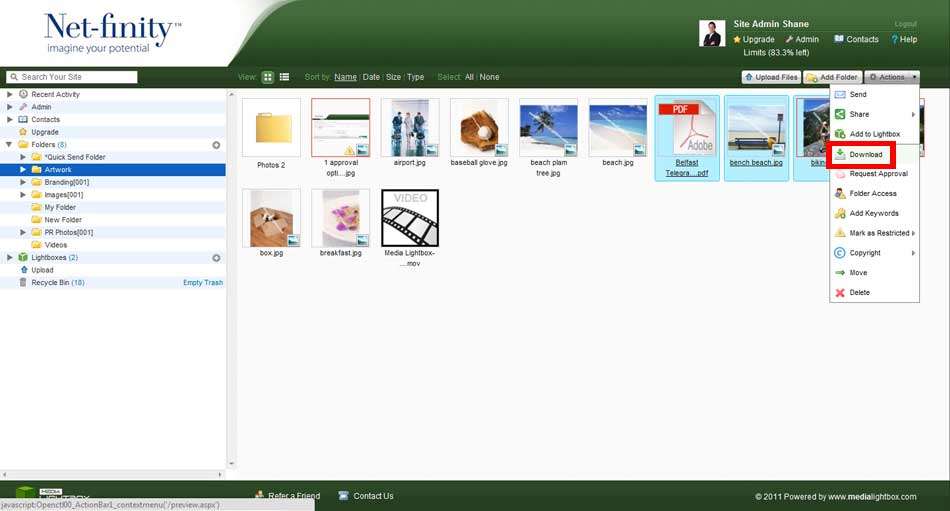
To download multiple files, simply highlight the required files, either by clicking and dragging over the files or by holding the ctrl key whilst selecting numerous files, and select download from the drop-down action menu.
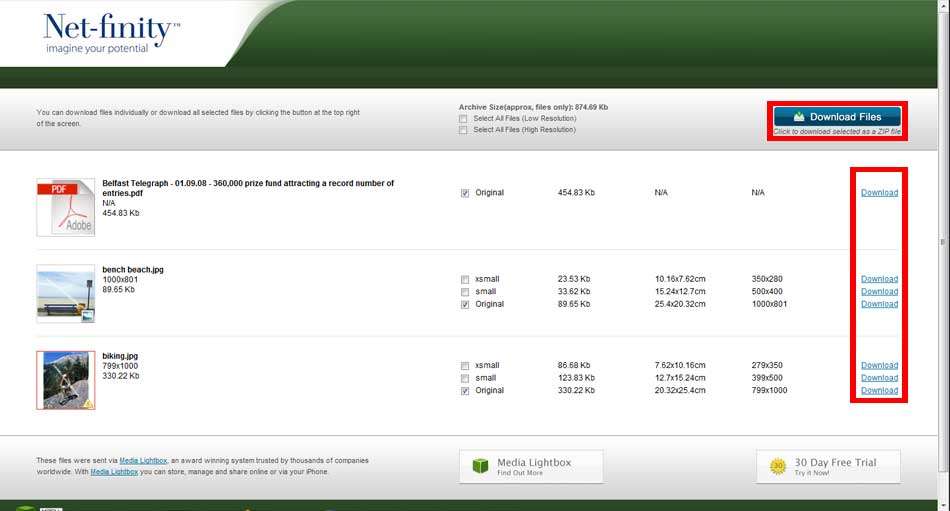
The following screen will appear. Select a download option. In the case of image files, the system automatically splits the files into different size formats providing you with the option to download the original source file or smaller alternatives of the original file.
When you select the download zip file option the following screen will appear prompting you to save or open the file.