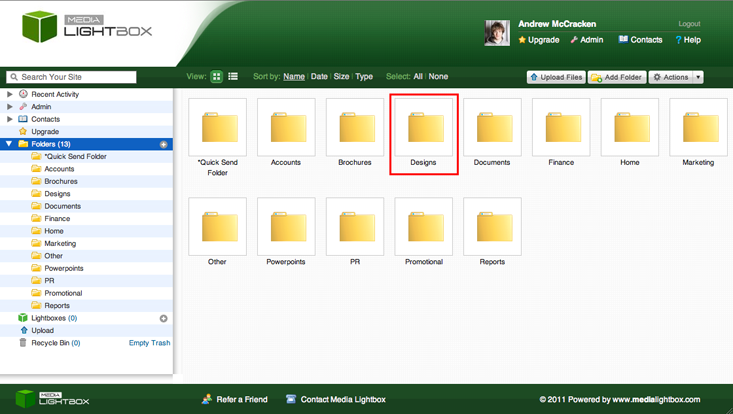
To upload files into a folder, double click on the desired folder. In our case, we wish to upload to the "Designs" folder so have double clicked on it.
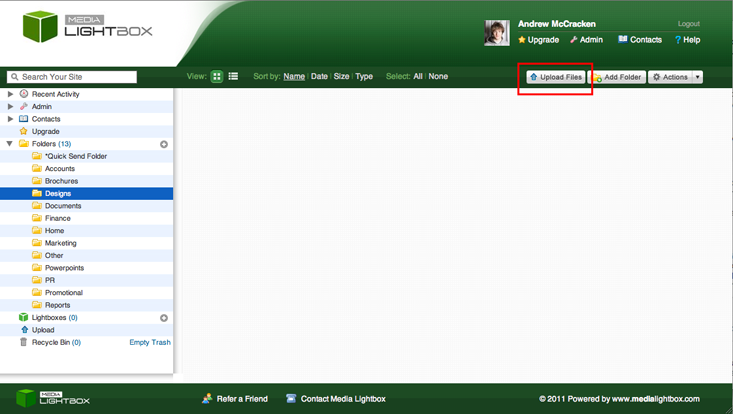
Click the "Upload Files" button on the top right of the system:
An "Upload Files" popup will appear, prompting you to "Select Files". In some cases, you can drag files into the box to begin uploading. It depends which browser you are using.
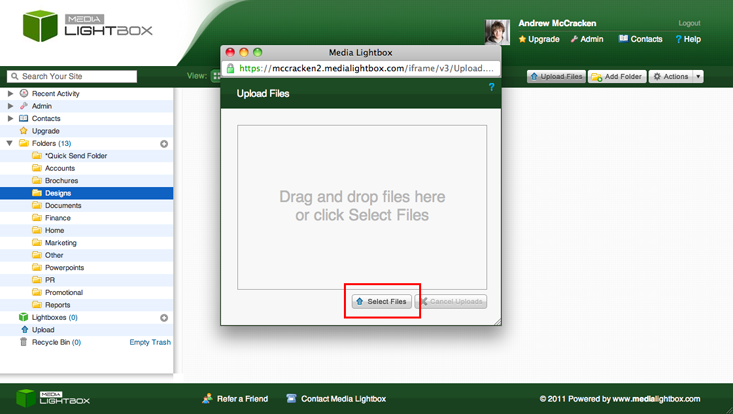
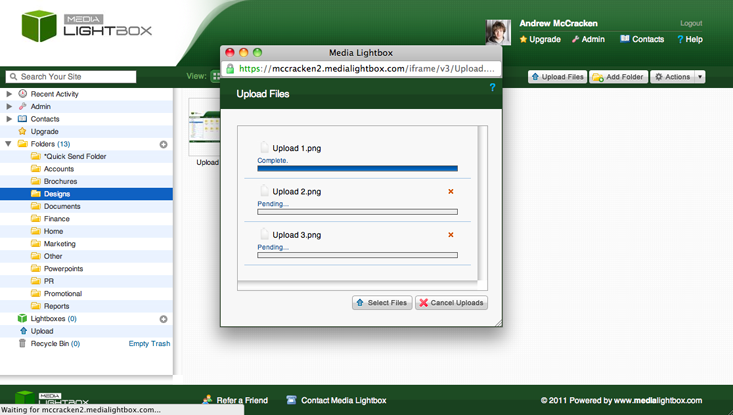
The files will begin to upload:
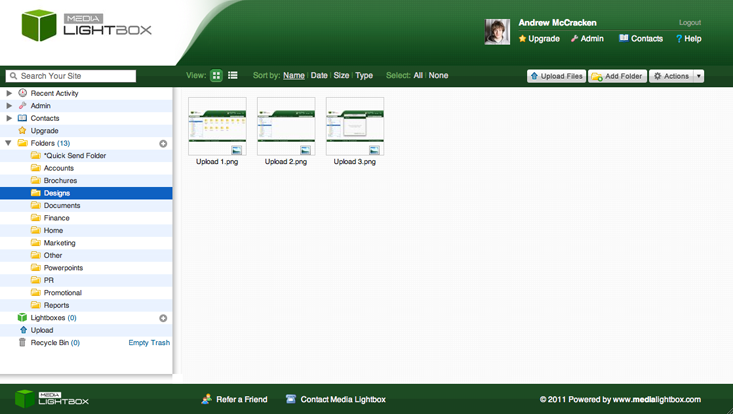
Once all uploads are completed, close the uploads popup and the page will refresh. Your files have been successfully uploaded to Media Lightbox: