
This is typically a user that has overall access to the client site (e.g.: Marketing Manager). There may be a single Manager or many Manager users. Managers have access to all folders and files. The main privileges are detailed below :
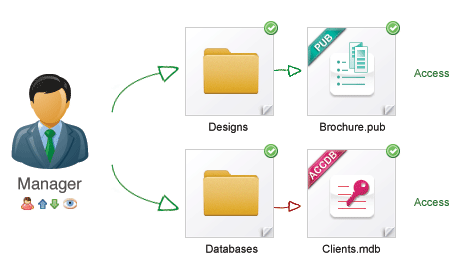
Access All Areas
· Has access to all navigation options, namely Home, My Dashboard, Folders, Lightbox, Upload, Administration and Help
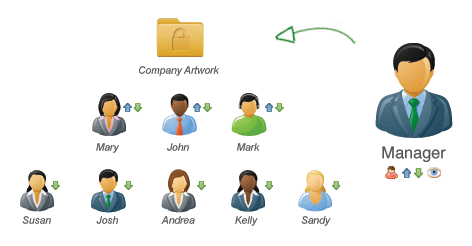
· Can access ALL areas of admin section, namely My Account, Reports, User Management, Master Settings and Account Settings
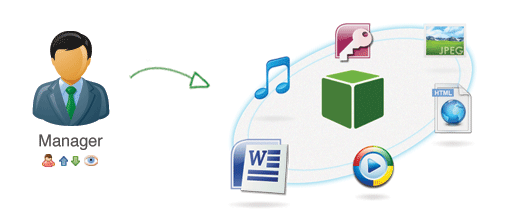
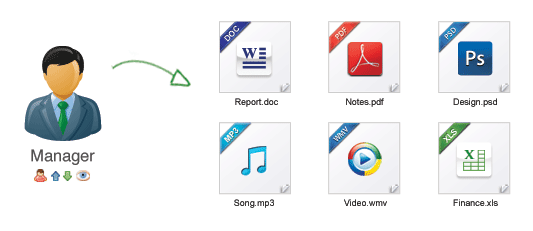
· Will automatically have access to all folders and files (Should be real time so when another user adds a new folder it automatically appears when the site admin refreshes the page rather than having to log out and log in before the new folder is displayed)
· Can ONLY see Lightboxes they have created or have received from another user
· Can see all hover action icons at folder level, namely User Permissions/Edit/Delete
· Can see all hover action icons at thumbnail preview level, file details screen, search results screen and Lightbox screen, namely add to Lightbox/email/edit/delete/download
· Can create any type of new user, namely Site Admin/Power User/Standard User
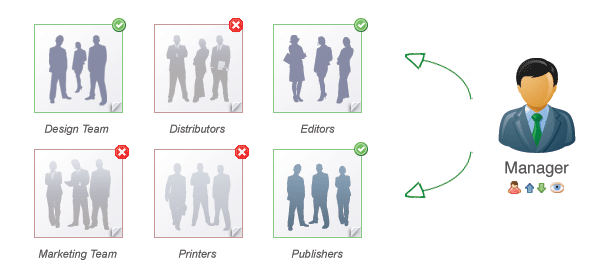
Folder Permissions
· Can upgrade or downgrade and type of existing user, namely Site Admin/Power User/Standard User
· Can delete users
· Can decide on user access levels (which folders users have access to)
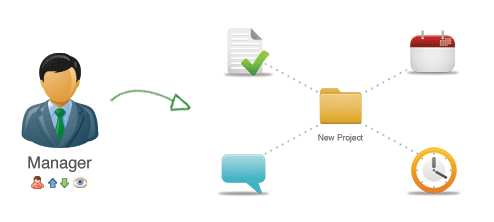
· Can upload files
· Can download files
· Can create new folders
· Can rename a file, folder or Lightbox
· Can move a file

· Can delete files or folders
· Can delete Lightboxes
· Can view and empty the trash can