To send any file, highlight it and select Send from the drop-down actions menu.
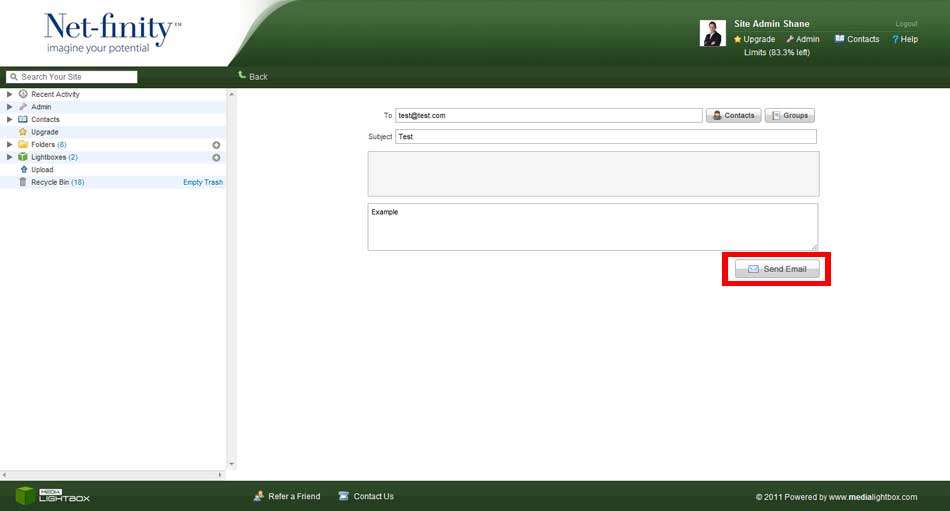
The following screen will appear. Select the users you want to send the file to by typing their email address in the “To” section, or by selecting them from the Contacts List or Groups Section.
You then must give the message a Subject Title before also having the option of adding a Message. Finally, click Send to send the message.
If you have sent the message to an email address which isn’t on your Contacts list, then you will be required to add that person to your Contacts list.