A file or asset with usage restrictions, such as copyright or approval required, can be distinguished to clearly indicate it has usage restrictions.
To mark a file as restricted, go to the drop-down action menu, follow the menu down to Mark as Restricted, and finally click on Restricted. You can remove this at any time by going to the same location but instead clicking on Not Restricted.
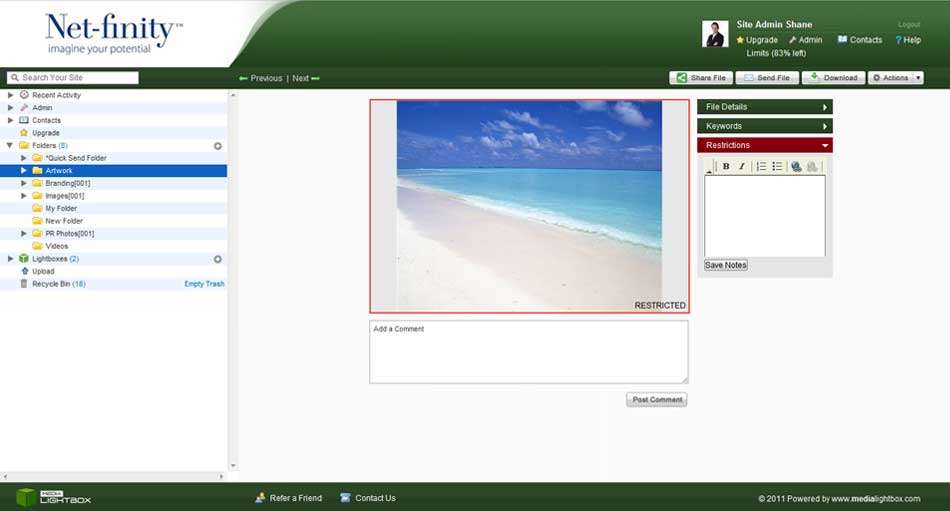
Note: Only Site and Power Admins can add/remove the Mark as Restricted tag. When a user chooses this option, the watermark will automatically be added to the thumbnail and file preview screens. Removing these options will automatically remove the watermark.