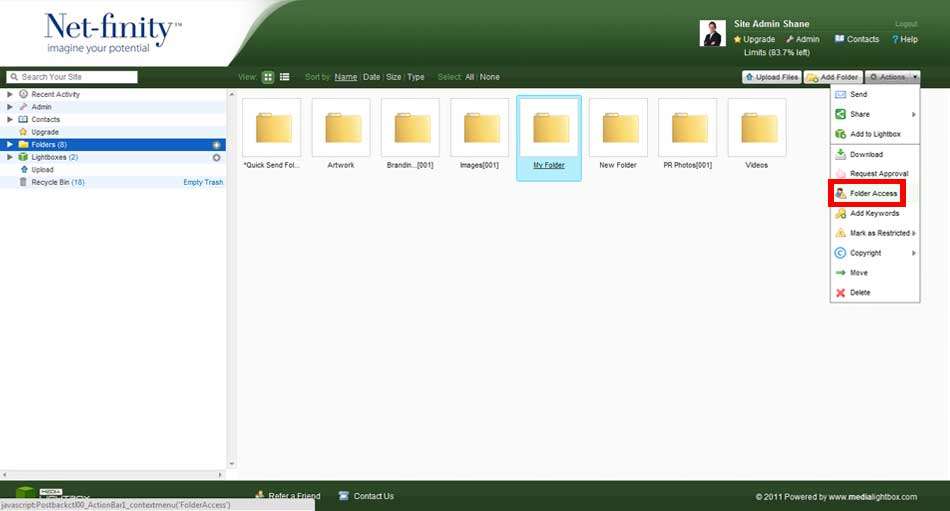
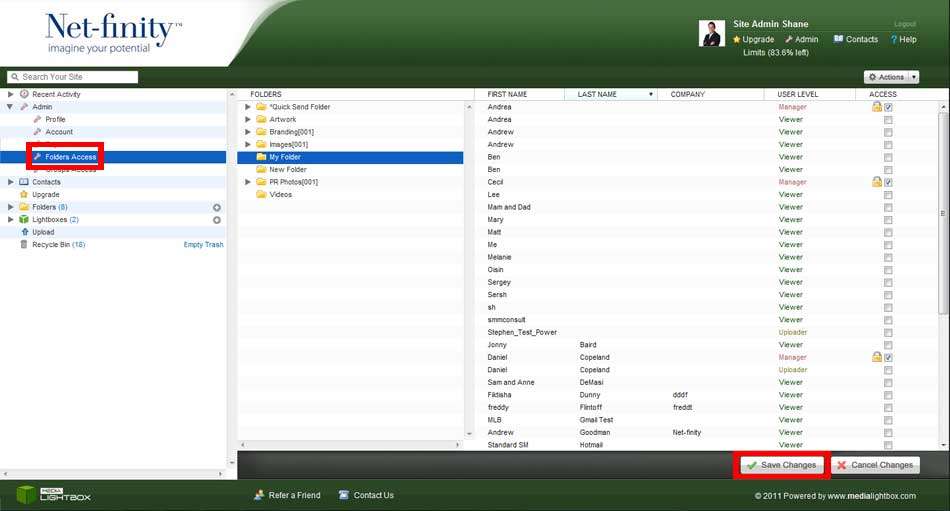
Folder permissions enable you to give or remove access to folders for all of your contacts.
Please Note: Only Admin users can give or remove folder access.
To edit contacts folders access, click on the Folders Access tab on the navigation bar. Choose the folder you want to edit access to. There will be a list of users to the right-hand side of the screen. Next to their details are tick boxes which determine whether or not the user has access to the selected folder. Admin users can tick and un-tick these boxes as they please.