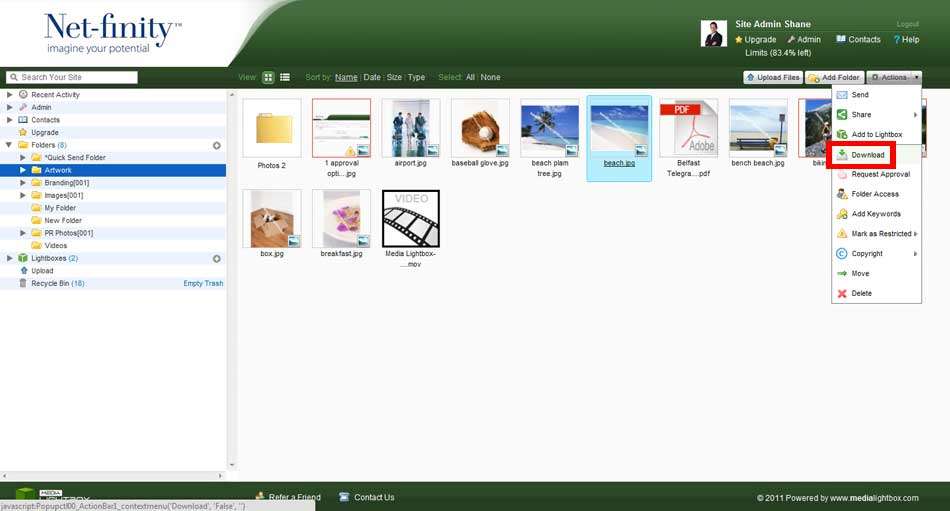
To download a file, simply highlight the file, go to the drop-down action menu and click on Download.
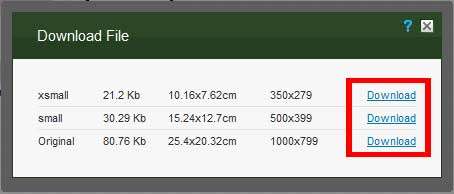
A pop-up window will then appear where the recipient can select a download option. In the case of image files, the system automatically splits the files into different size formats providing you with the option to download the original source file or smaller alternatives of the original file.
When you select the download option, a screen will appear prompting you to save or open the file.