To access folders and files select the Folders tab from the navigation menu and the following screen will be displayed.
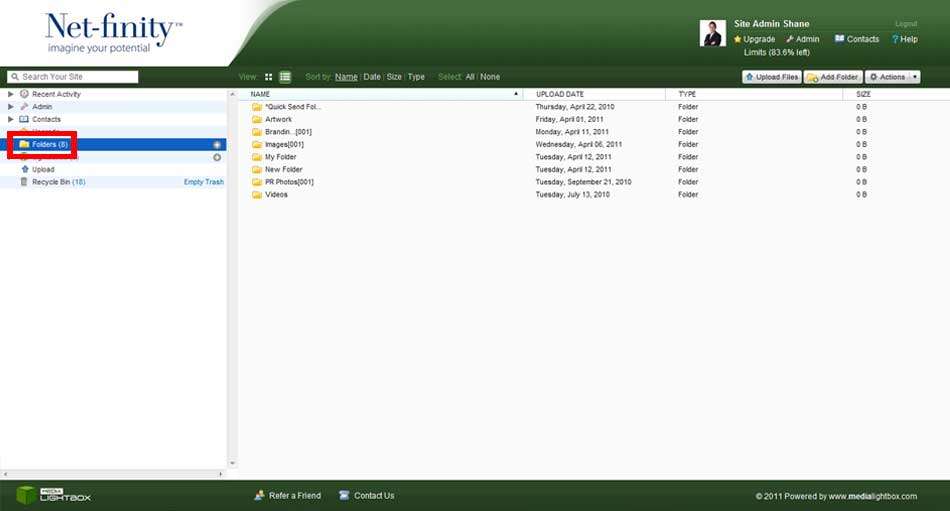
However you will only be able to view the folders that you have been given access to. In some cases you may not be given access to any folders, but may have access to Lightboxes sent by another user.
Select the folder you want to view. You can view your host files in thumbnails or details view. Below is an example of the file hosting within a folder, ordered by file name, in the thumbnail view:
