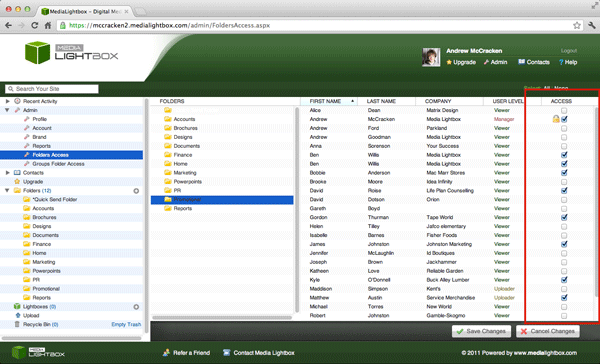
You can change the folder access of the users of your account at any time (only if you are a manager user) by following the steps outlined below:
- Select the arrow on the 'Admin' drop down tab on the left of any screen
- Click 'Folder Access'
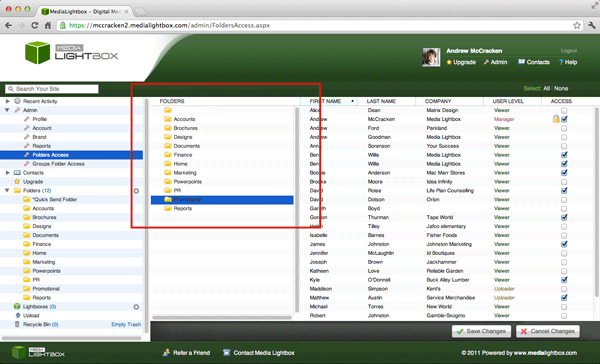
- The folders of your account will be listed on the left with every user with access to the account on the right
- Simply click the desired folder you want to edit contact access for
- Once the folder is selected, simply tick or tick the relevant tick box for each contact to give them access to that folder
- Once happy with the selection click 'Save Changes'
- If other folder access needs reviewed repeat the steps above