To delete a file, simply highlight the relevant file, go over to the drop-down actions menu and click on delete. A pop-up window will then appear asking you to confirm the action. Click Delete File to confirm the deletion.
You can also delete a file by highlighting it and pressing the delete or backspace keys on your keyboard. This will also cause a pop-up window to appear, asking you to confirm the action.
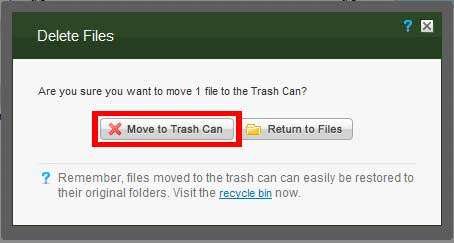
Please note: If you delete your files from a folder, they are not deleted from your site. The files are moved to the Recycle Bin; therefore it will enable you to restore your files if necessary.